
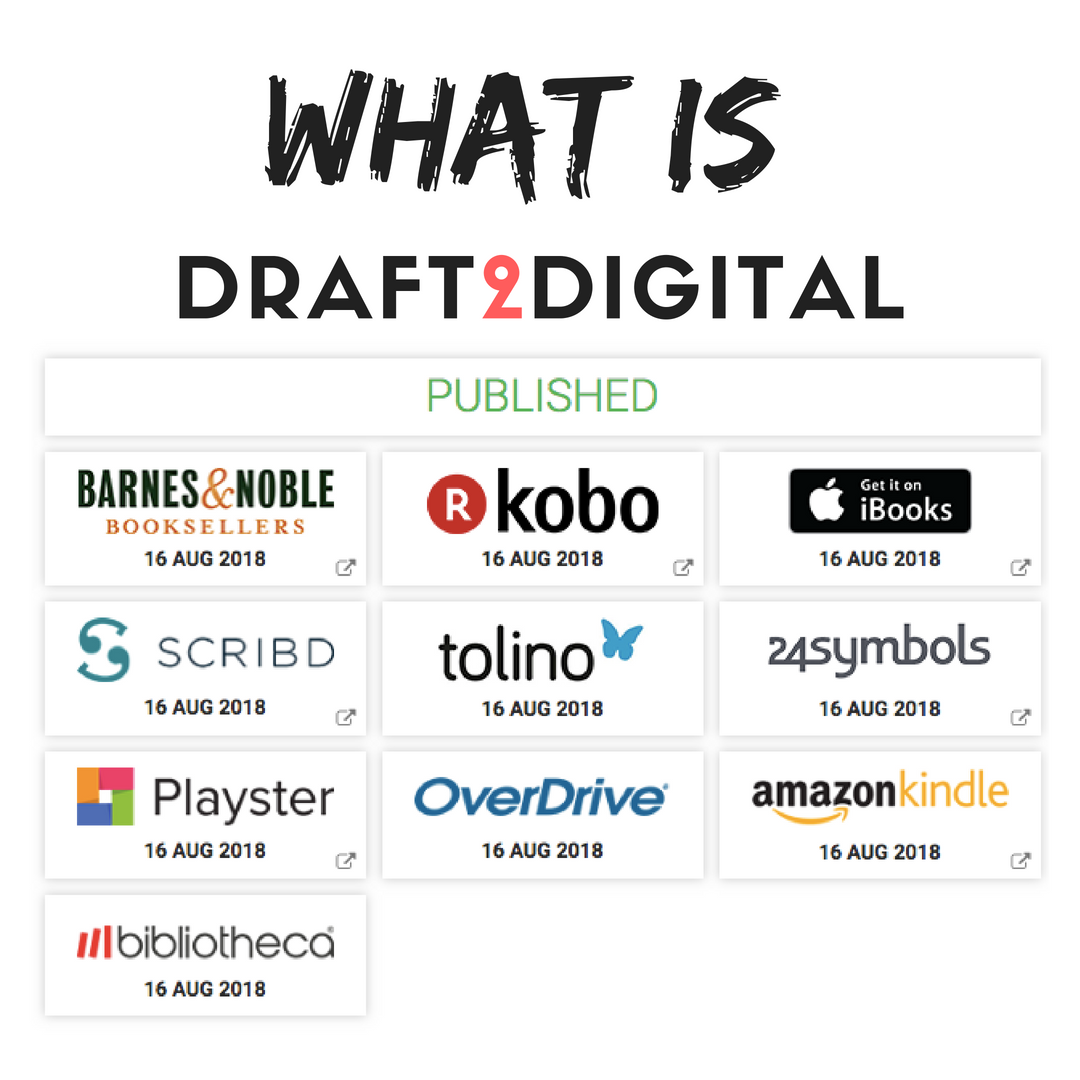
Draft2Digital is a user-friendly platform that makes self-publishing your eBook a breeze. If you're ready to share your literary masterpiece with the world, follow these simple steps to publish your eBook on Draft2Digital.
**1. Sign Up for Draft2Digital:
If you haven't already, visit the Draft2Digital website (www.draft2digital.com) and sign up for a free account. You'll need to provide some basic information and agree to their terms of service.
**2. Add a New eBook Project:
After logging in, click the "My Books" tab and then "Add New Book." You'll start by entering the basic details of your eBook, such as the title, author name, and book description.
**3. Book Details:
Fill in all the necessary book details, including the book's language, publication date, and edition number if applicable. You can also select whether your book is part of a series.
**4. Upload Your eBook Manuscript:
Draft2Digital accepts various eBook formats, including EPUB, MOBI, and DOCX. Upload your properly formatted eBook manuscript. Draft2Digital will automatically convert your manuscript to different formats for distribution.
**5. Design Your eBook Cover:
You have the option to create a cover with Draft2Digital's Cover Creator tool or upload a pre-made cover. Ensure your cover meets Draft2Digital's formatting and quality guidelines.
**6. Choose Distribution Channels:
Draft2Digital distributes your eBook to various retailers, including Amazon, Apple Books, Barnes & Noble, and more. Select the retailers you want your eBook to appear on. You can also set the price for each retailer individually.
**7. Set Your eBook Price:
Determine the pricing strategy for your eBook. You can choose a fixed price or set it as "Reader Sets the Price" for select retailers. Draft2Digital offers pricing recommendations to help you make informed decisions.
**8. Book Keywords and Categories:
Select relevant keywords and categories to help readers discover your eBook. Accurate metadata will improve your eBook's visibility in online stores.
**9. Set Publication Date and Pre-Order (Optional):
If you want to make your eBook available for pre-order, set a release date. Draft2Digital allows you to choose pre-order options for select retailers.
**10. Review and Publish:
Review all the details you've entered for your eBook. Draft2Digital provides a user-friendly dashboard that allows you to see how your eBook will appear on different devices. If everything looks good, click "Publish."
**11. Promote Your eBook:
Publishing is just the beginning. Promote your eBook through social media, email newsletters, and author websites to reach a wider audience.
**12. Track Sales and Royalties:
Keep track of your eBook's sales, royalties, and performance on the Draft2Digital dashboard. You'll have access to valuable insights about your eBook's performance across different retailers.
Conclusion
Draft2Digital streamlines the eBook publishing process, making it accessible for both new and experienced authors. By following these steps, you can easily publish your eBook and share your stories, knowledge, or creativity with a global audience.